{
"id": "view-admin-keys",
"title": "View and manage Context Retriever admin keys",
"url": "https://redis.io/docs/latest/operate/rc/context-engine/context-retriever/view-admin-keys/",
"summary": "View and manage Context Retriever admin keys in Redis Cloud.",
"tags": [
"docs",
"operate",
"rc"
],
"last_updated": "2026-05-18T05:44:54-07:00",
"page_type": "content",
"content_hash": "b945f820ece14fa52749077511eedc4e43c7affc188de55775d8cecfd3ba33ff",
"sections": [
{
"id": "overview",
"title": "Overview",
"role": "overview",
"text": "After you have [created your first Context Retriever service](https://redis.io/docs/latest/operate/rc/context-engine/context-retriever/create-service), you can view and manage your admin keys from the **Admin keys** tab in the **Context Retriever** section of the Redis Cloud console.\n\nA Context Retriever **admin key** authorizes administrative operations against Context Retriever in your Redis Cloud account, such as creating, updating, or deleting services and their entity models. You can use it with the [Context Surfaces Python Client](https://pypi.org/project/context-surfaces/) and `cxtctl` CLI to create an Agent key and call your tools."
},
{
"id": "admin-keys-tab",
"title": "Admin keys tab",
"role": "content",
"text": "From the [Redis Cloud console](https://cloud.redis.io/), select **Context Retriever** from the left-hand menu, then select the **Admin keys** tab.\n\n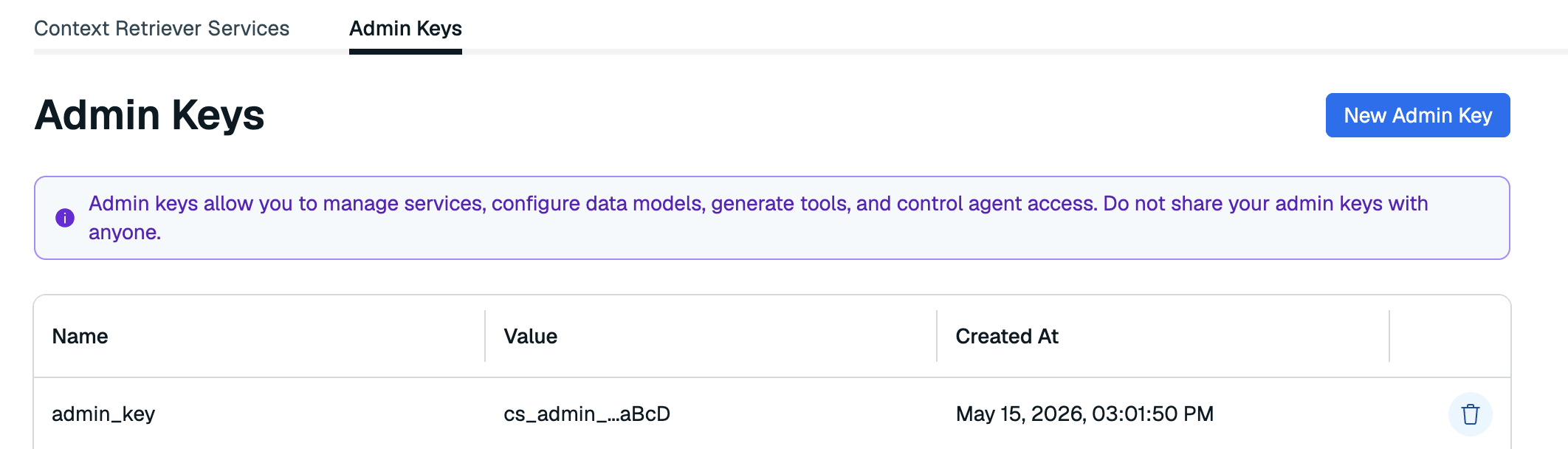\n\nThis tab shows a list of all admin keys associated with Context Retriever in your account. Here, you can generate a new admin key or remove any keys that are no longer in use. You can generate or remove admin keys at any time.\n\n| Column | Description |\n|:-------|:------------|\n| **Name** | The name you assigned to the admin key when you created it. |\n| **Value** | An abbreviated value of the admin key. |\n| **Created** | The date and time the admin key was generated. |"
},
{
"id": "generate-a-new-admin-key",
"title": "Generate a new admin key",
"role": "content",
"text": "To generate a new admin key:\n\n1. Select **New admin key**.\n\n \n\n1. Enter a name for your admin key.\n\n 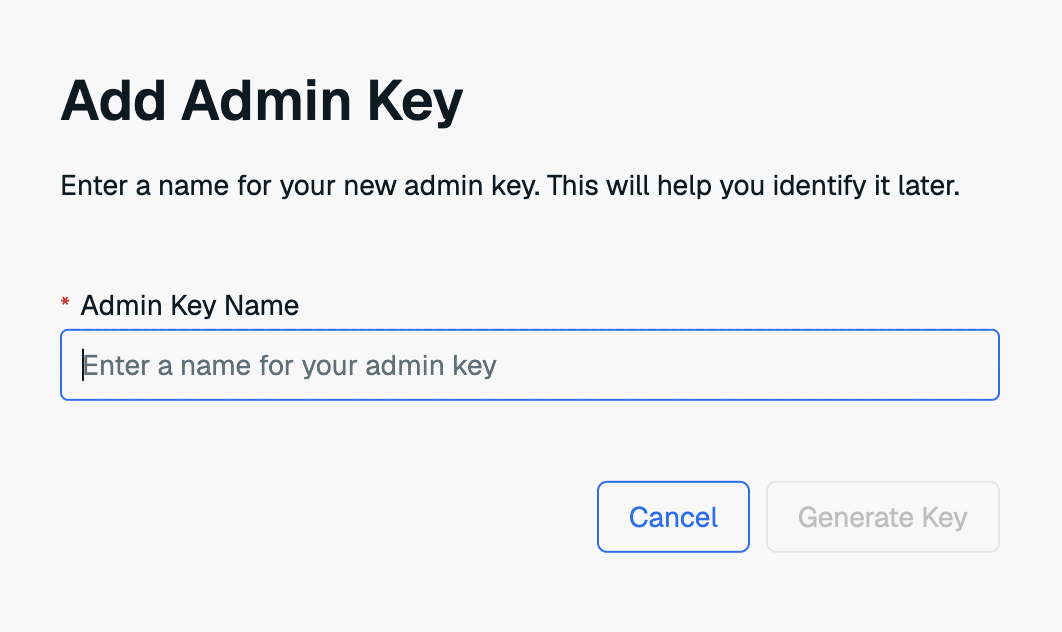\n\n1. Select **Generate key** to generate your new admin key.\n\n1. The new key will appear in a dialog box. Select **Copy** to copy the key to the clipboard.\n\n 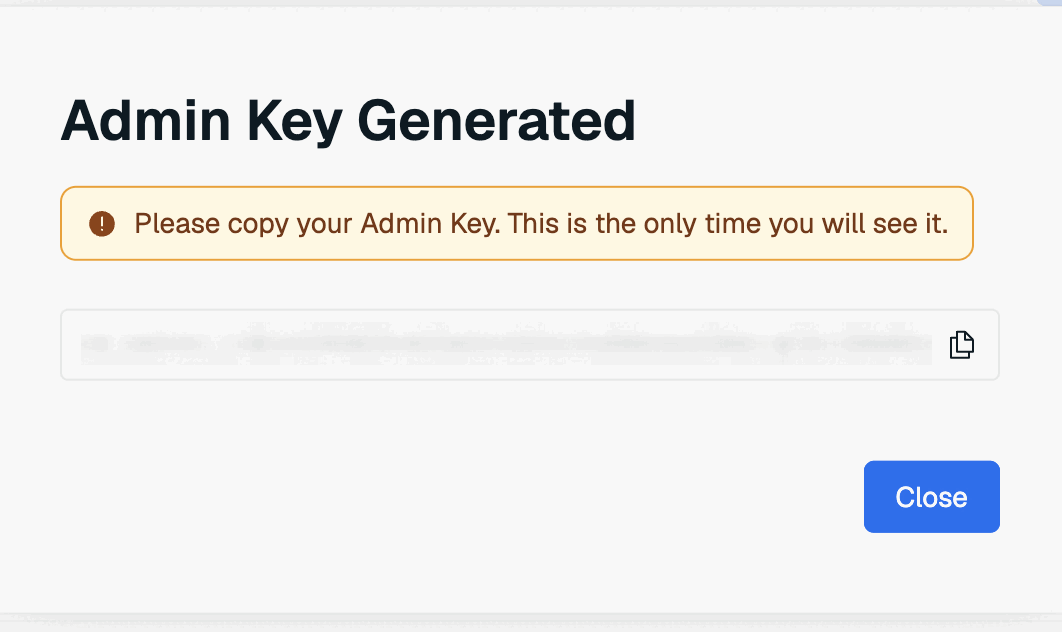\n\n \nThis is the only time the value of the admin key is available. Save it to a secure location before closing the dialog box.
\n\nIf you lose the admin key value, you will need to generate a new admin key."
},
{
"id": "delete-an-admin-key",
"title": "Delete an admin key",
"role": "content",
"text": "To delete an admin key, select the **Delete admin key** button next to the key you want to remove.\n\n\n\nDeleting an admin key immediately revokes any administrative operations that rely on it. This action cannot be undone."
}
],
"examples": []
}