Delete database
| Redis Cloud |
|---|
Deleting a database requires the Account Owner role.
Deleted databases cannot be recovered. We recommend making a backup, just in case.
Sign in to the Redis Cloud console, then follow the steps for your plan to open the Delete database confirmation dialog.
-
Select the database from the list to open the Database screen.
-
Select More actions > Delete database.
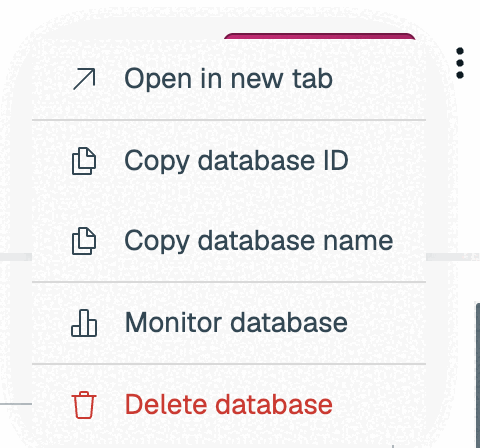
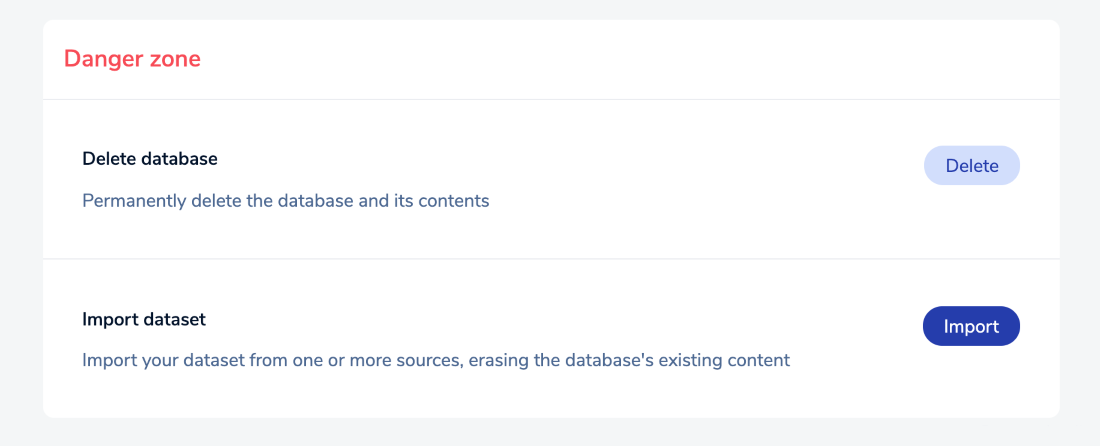

The Delete database confirmation dialog appears. If this database is the only one in the subscription, you can also delete the subscription at this time.
-
Select Delete my subscription and stop my payment to delete both the database and the subscription.
-
Clear Delete my subscription and stop my payment to delete the database but keep the subscription.
You will continue to be charged for your subscription until you delete it, even if there are no databases in your subscription.
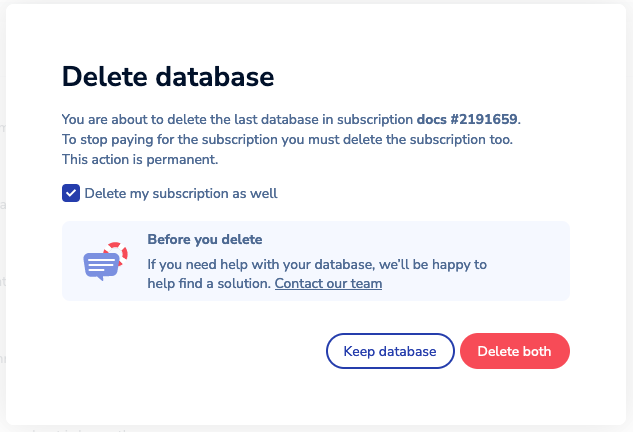
Select Delete database to confirm your choice.

When the operation completes, the database and its data are deleted.