Tutorial
Java and Redis
February 25, 20266 minute read
TL;DR:Add the Jedis dependency to your Maven or Gradle project, create aJedisPoolfor connection management, then usejedis.set()andjedis.get()to read and write data. Jedis is the recommended synchronous Java client for Redis.
#What you'll learn
- How to add the Jedis Redis client to a Java project
- How to connect Java to Redis using connection pooling
- How to perform basic Redis operations (strings, sorted sets)
- When to choose Jedis vs Lettuce
- Where to go next with Redis OM Spring and production patterns
#What are the prerequisites for using Redis with Java?
Before you begin, make sure you have:
- Java 11 or later (JDK installed and
JAVA_HOMEconfigured) - Maven 3.6+ or Gradle 7+ for dependency management
- A running Redis server (local or remote) — follow the Redis quick start to get set up
#How do I connect Java to Redis?
The Java community has built many client libraries. This tutorial uses Jedis, the supported synchronous Redis client for Java.
Redis is an open source, in-memory, key-value data store most commonly used as a primary database, cache, message broker, and queue. Redis delivers sub-millisecond response times, enabling fast and powerful real-time applications in industries such as gaming, fintech, ad-tech, social media, healthcare, and IoT.
#Step 1. Add the Jedis Maven dependency
Add the Jedis dependency to your
pom.xml:If you use Gradle, add this to your
build.gradle:#Step 2. Import the required classes
#Step 3. Create a Redis connection pool in Java
A connection pool manages reusable connections so your application doesn't open and close a connection for every operation. This is critical for production apps where connection overhead adds up quickly.
You can find more information about Jedis connection pool configuration in the Jedis Wiki. The pool is based on the Apache Commons Pool 2.0 library.
#Step 4. Write your application code
Once you have access to the connection pool, get a
Jedis instance and start interacting with Redis. The try-with-resources block automatically returns the connection to the pool when finished.Find more information about Java and Redis connections in Redis Connect.
#Jedis vs Lettuce: which Java Redis client should I use?
When choosing a Java Redis client, the two most popular options are Jedis and Lettuce. Here's how they compare:
| Feature | Jedis | Lettuce |
|---|---|---|
| Programming model | Synchronous (blocking) | Asynchronous & reactive |
| Thread safety | Not thread-safe (use connection pooling) | Thread-safe (single connection, multiplexed) |
| Best for | Simple apps, scripting, traditional Java | Spring WebFlux, reactive pipelines, high concurrency |
| Redis Cluster support | Yes | Yes |
| Learning curve | Lower — straightforward API | Higher — requires understanding of reactive patterns |
Use Jedis if you're building a traditional synchronous Java application or want the simplest path to get started. Use Lettuce if your app uses reactive programming (e.g., Spring WebFlux) or needs to handle many concurrent connections without pooling.
#Example applications
#Movie Database app in Java

Movie Database app in Java based on Search capabilities
#Leaderboard app in Java
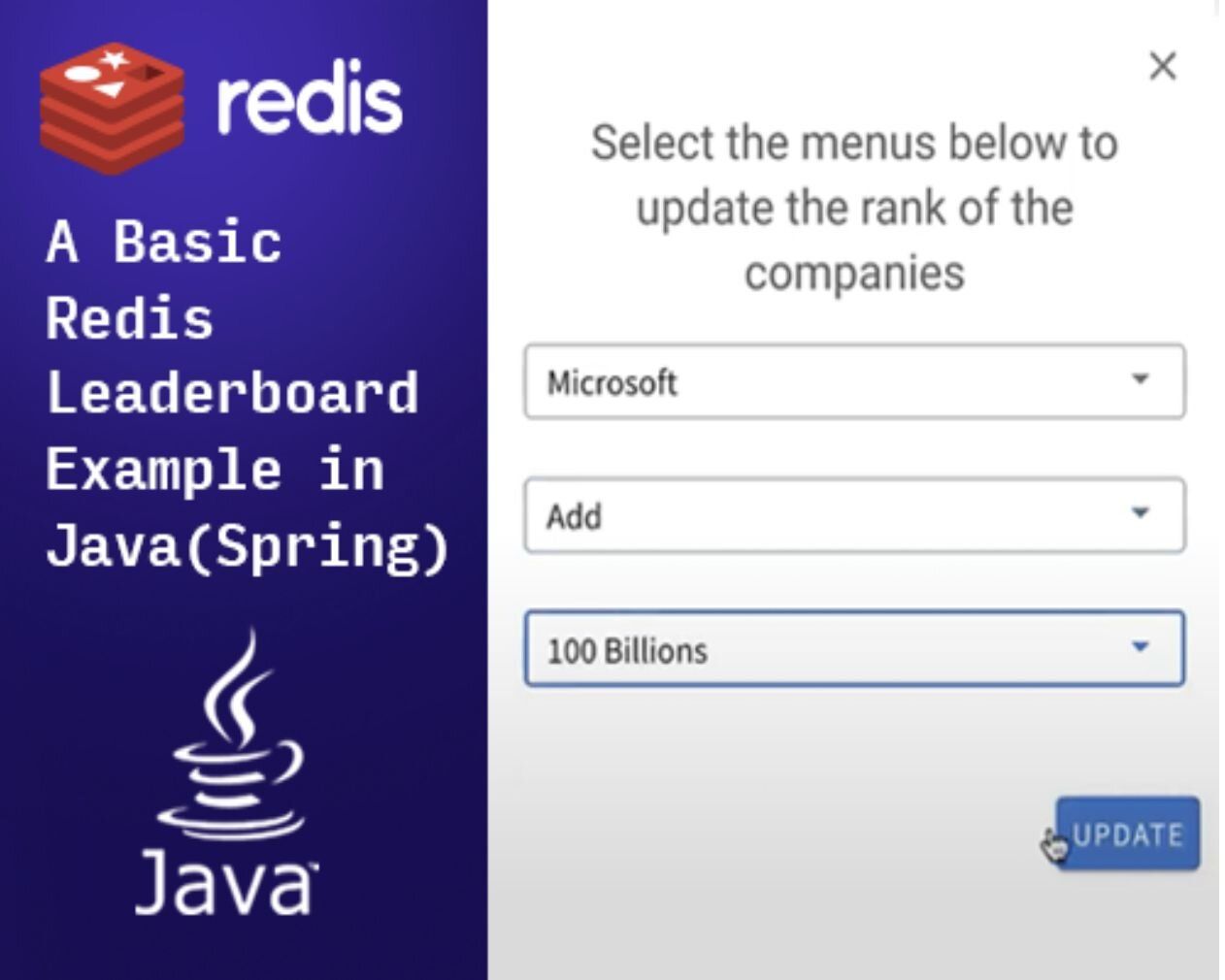
How to implement a leaderboard app using Redis and Java (Spring)
#What Java frameworks work with Redis?
As a developer you can use the Java client library directly in your application, or use frameworks like: Spring, Quarkus, Vert.x, and Micronaut.
For Spring developers, Redis OM Spring provides high-level object mapping and repository abstractions that simplify working with Redis JSON and Hash data structures.
#More developer resources
Brewdis - Product Catalog (Spring) See how to use Redis and Spring to build a product catalog with streams, hashes and Search
Redis Stream in Action (Spring) See how to use Spring to create multiple producer and consumers with Redis Streams
Rate Limiting with Vert.x See how to use Redis Sorted Set with Vert.x to build a rate limiting service.
#Redis University
#Redis for Java devs
The Redis for Java devs learning path teaches you how to build robust Redis client applications in Java using the Jedis client library. The path focuses on writing idiomatic Java applications with the Jedis API, describing language-specific patterns for managing Redis database connections, handling errors, and using standard classes from the JDK. The course material uses the Jedis API directly with no additional frameworks. As such, the learning path is appropriate for all Java devs, and it clearly illustrates the principles involved in writing apps with Redis.
#Next steps
Now that you know how to connect Java to Redis with Jedis, explore these related tutorials:
- Redis OM Spring — Use high-level object mapping to work with Redis JSON and Hashes in Spring applications
- Rate Limiting in Java with Redis — Implement fixed window rate limiting using Redis and Spring