Create and manage Data Integration workspace
Create and manage the infrastructure for your Data Integration pipelines.
| Redis Cloud |
|---|
Before you can create your first Data Integration pipeline for a Redis Cloud subscription, you must first deploy the cloud infrastructure needed to host the pipeline and run the workers associated with the pipeline. In Redis Cloud, this is called a Workspace. Each Pro subscription can have one Data integration workspace. You only need to set up the workspace once - any pipelines you create for your subscription will run on the workspace until you delete it. You won't be charged for a workspace until you start running your Data Integration pipeline.
Create a Data Integration workspace
To create a Data Integration workspace for an existing Pro subscription:
-
From the Redis Cloud console, select Data Integration from the left-hand menu. If you don't have any workspaces yet, select Create workspace to go to the Create workspace page.

If you already have a workspace deployed, you'll see your current workspaces. Select New workspace to go to the Create workspace page.

You can also go to the Data Integration tab from your subscription or database page and select Create workspace to go to the Create workspace page for your subscription.
-
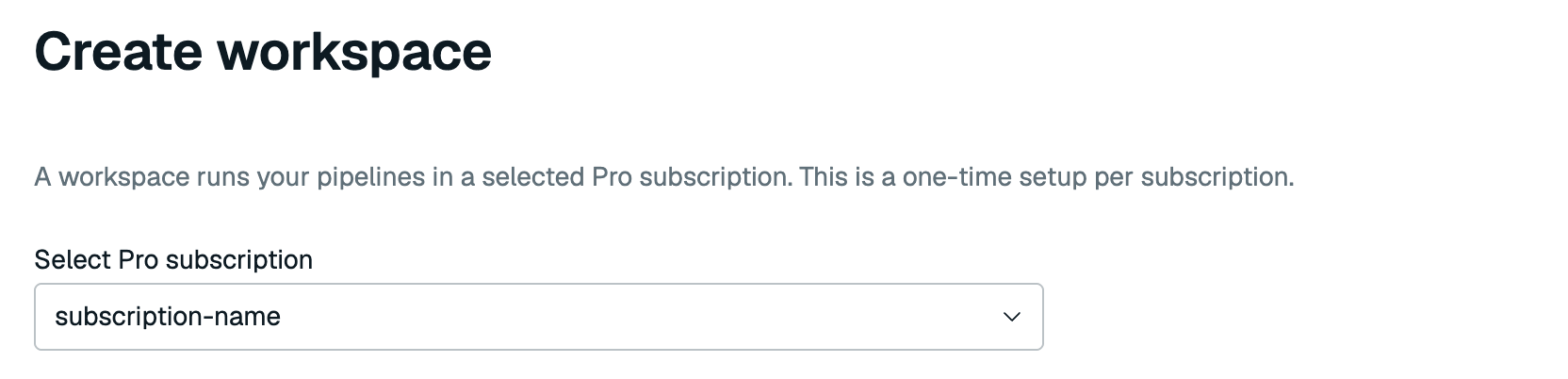
Select your Pro subscription from the list if it's not already selected.
-
A Data Integration subnet (CIDR) is automatically generated for you. Each RDI workspace uses a dedicated
/22CIDR.For AWS, the RDI workspace CIDR must:
- Be in the same RFC 1918 private address range as the subscription VPC's primary CIDR:
10.0.0.0/8,172.16.0.0/12, or192.168.0.0/16. - Not overlap with existing subscription, peering, transit gateway (TGW), application, database, or RDI workspace CIDR ranges.
For example, if the subscription VPC's primary CIDR is
10.238.252.0/24, then192.168.0.0/22is invalid because it is in a different RFC 1918 range. An unused range such as10.239.0.0/22is valid.If the automatic suggestion is missing or unsuitable, select another unused
/22CIDR in the same private range. For more information, see VPC CIDR block association restrictions.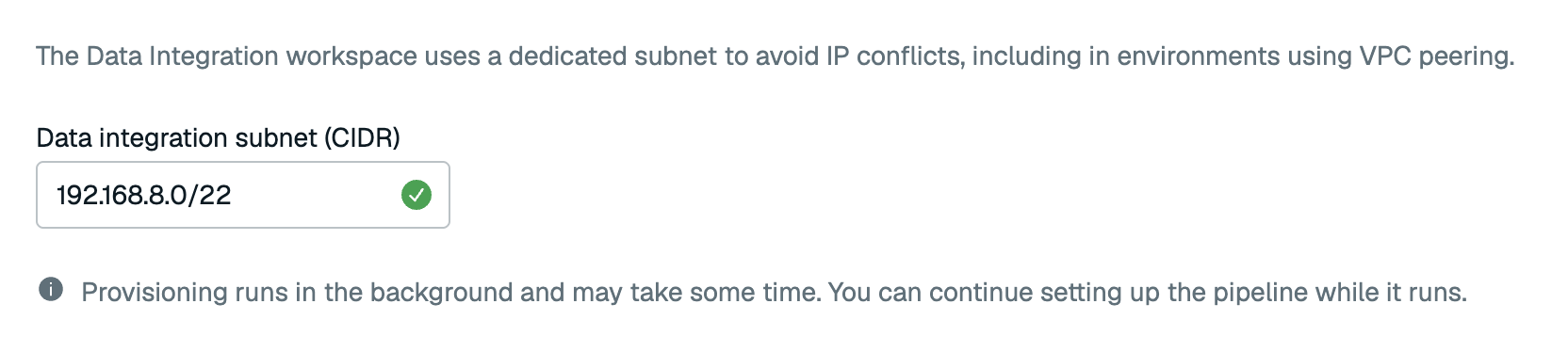
- Be in the same RFC 1918 private address range as the subscription VPC's primary CIDR:
-
Select Create workspace to create your workspace.
Your workspace will be created in the background. You can select Create pipeline to create your pipeline while the workspace is provisioning, or you can select Create pipeline later to go back to the Redis Cloud console.

View workspace status and details
You can view your workspace in one of the following ways:
- From the Redis Cloud console, go to the Data integration page, or
- From your subscription, select the Data Integration tab

There, you'll see your workspace and its pipelines. The Sources column lists each pipeline's source names and database types. A source with unfinished configuration is marked Pending setup. Open its draft to continue setup. To see your workspace details, including the deployment CIDR and region information, select Workspace actions > Workspace details.
Delete workspace
Make sure to delete your data pipeline before deleting your workspace.
To delete your workspace, select Workspace actions > Delete workspace from your workspace.