
TL;DR:Build a real-time chat application using Redis Pub/Sub for cross-server messaging, WebSockets (Socket.IO) for client-server communication, and Flask as the Python backend. Redis handles user presence tracking, message storage with sorted sets, and room management with sets. Clone the demo repo and follow the steps below to get it running.
Real-time chat is an online communication channel that allows you to conduct conversations instantly. More and more developers are tapping into the power of Redis as it is extremely fast and supports a variety of rich data structures such as Lists, Sets, Sorted Sets, and Hashes. Redis also includes Pub/Sub messaging that allows developers to scale the backend by spawning multiple server instances.
WARNINGWhile this traditional chat application tutorial remains insightful, we encourage you to dive into our AI chatbot tutorial to unlock the potential of modern conversational experiences.
INFOThis code is open source. You can find the link at the end of this tutorial.
#What will you learn?
- How to use Redis Pub/Sub for real-time message broadcasting across server instances
- How to store and retrieve chat messages using Redis sorted sets
- How to manage user sessions and presence tracking with Redis sets and hashes
- How to integrate WebSockets (Socket.IO) with Redis for a scalable chat backend
#What will you build?
A real-time chat application with:
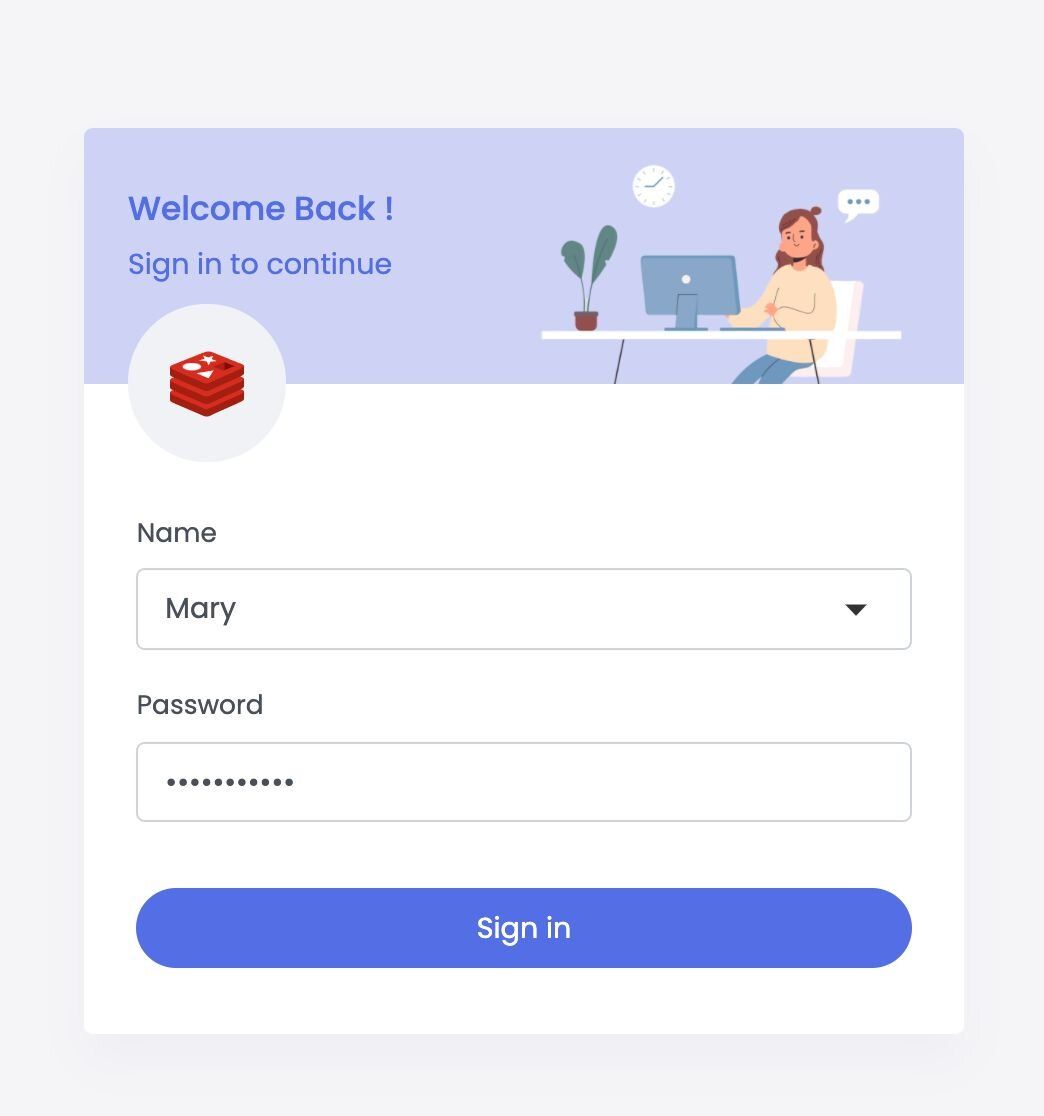
- User authentication and session management
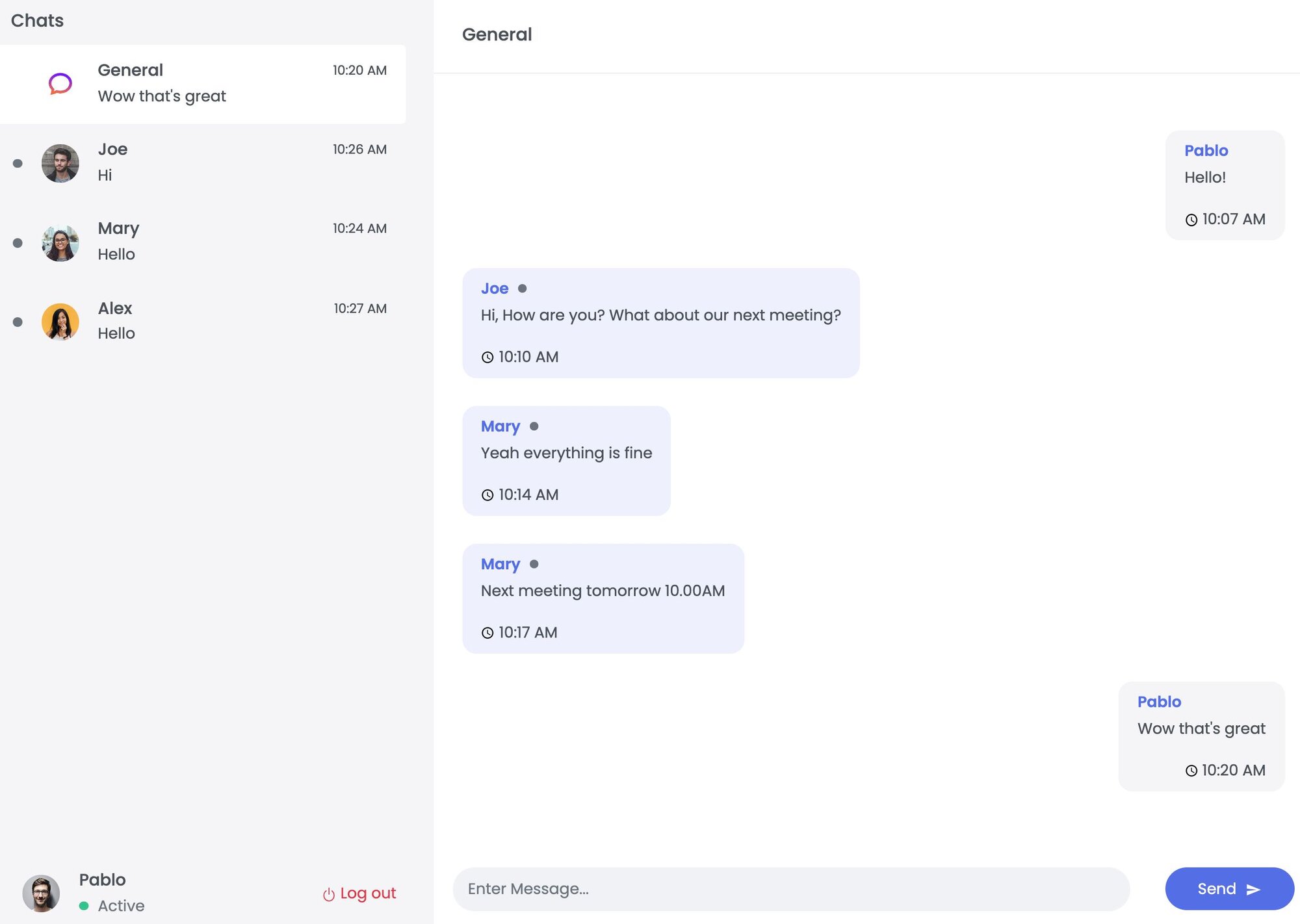
- Public and private chat rooms
- Online/offline user presence tracking
- Cross-server message delivery via Redis Pub/Sub
#Prerequisites
#How do you set up the chat application?
#Step 1. Clone the repository
#Step 2. Install frontend dependencies
#Step 3. Start the frontend
#Step 4. Install the required Python modules
#Step 5. Run the backend
#How does the chat application work?
The server works as a basic REST API that handles session management and user state in the chat room, alongside the WebSocket/real-time messaging layer. When the server starts, the initialization step occurs. First, a new Redis connection is established and it checks whether it needs to load demo data.
#How is the data initialized?
For simplicity, a key with a
total_users value is checked: if it does not exist, the Redis database is filled with initial data.The demo data initialization is handled in multiple steps:
#How are users created?
A new user id is created by incrementing the counter:
Then a user ID lookup key is set by username:
And the rest of the user data is written to a hash set:
Each user is also added to the default "General" room. A set holds the chat room ids for each user:
#How are private rooms created?
For private messaging, a room id is generated from both user ids in ascending order. For example, to create a private room between users 1 and 2:
Messages are then added to this room using a sorted set, where the score is the timestamp:
A stringified JSON keeps the message structure and simplifies the implementation for this demo application.
The "General" room is populated with messages in the same way, using
room:0 as the sorted set key.#How does Redis Pub/Sub enable real-time messaging?
After initialization, a Pub/Sub subscription is created:
Each server instance runs a listener on this channel to receive real-time updates. Every message is serialized to JSON, parsed, and then handled in the same manner as WebSocket messages.
Pub/Sub allows connecting multiple servers written in different platforms without taking into consideration the implementation details of each server.
#How does session and presence tracking work?
When a WebSocket connection is established, the server listens for these events:
- Connection. A new user connects. The user ID is captured and saved to the session (cached in Redis for persistence across server reloads). A global set tracks online users:
After adding the user, a message is broadcasted to all clients to notify them that a new user has joined.
- Disconnect. Works similarly to the connection event, except the user is removed from the
online_usersset and clients are notified:
- Message. When a user sends a message, it is broadcasted to other clients via Pub/Sub, which also delivers it to all connected server instances:
The server id is included so that the originating server instance can discard its own messages (since it is also subscribed to the
MESSAGES channel). The type field corresponds to the real-time event type (connect/disconnect/message), and the data field contains method-specific information.#How is chat data stored in Redis?
Redis is used as the primary database for user and message data, and for sending messages between connected server instances.
The real-time functionality is handled by Socket.IO for server-client messaging. Additionally, each server instance subscribes to the
MESSAGES Pub/Sub channel and dispatches messages as they arrive. The server transports Pub/Sub messages with a separate event stream (handled by Server Sent Events) to run the Pub/Sub message loop independently from Socket.IO signals.Chat data is stored across various keys and data types:
- User data is stored in hash sets where each entry contains
usernameandpassword(hashed). Each user hash is accessed by keyuser:{userId}. User IDs are generated by incrementing thetotal_userskey (INCR total_users). - Username lookups are stored as separate keys (
username:{username}) that return theuserIdfor quick access, stored withSET username:{username} {userId}. - Chat rooms per user are stored at
user:{userId}:roomsas a set of room ids, added withSADD user:{userId}:rooms {roomId}. - Messages are stored at
room:{roomId}in a sorted set with the timestamp as the score, added withZADD room:{roomId} {timestamp} {message}. Messages are serialized to an app-specific JSON string.
#How do you access chat data?
Get a user's data:
Get online users:
Get room ids for a user:
Get the latest messages from a room:
This returns the 50 most recent messages from the private room between users 1 and 2.
#Next steps
- Build an AI chatbot with Redis for a modern conversational experience using vector search
- Explore the social network application tutorial to see how Redis powers user relationships and activity feeds
- Learn about streaming LLM output with Redis Streams for another real-time Redis use case
- Try .NET stream basics with Redis for working with Redis Streams in C#
- Browse the chat app implementations in other languages: