
Tutorial
Ruby and Redis
February 26, 20262 minute read
TL;DR:Install theredisgem (gem install redis), create a connection withRedis.new, and call methods likesetandgetto store and retrieve data.
Use Redis with Ruby via the redis-rb gem. This tutorial walks you through installation, connecting to a Redis server, and performing basic operations so you can integrate Redis into your Ruby applications.
#What you'll learn
- How to install and configure the redis-rb gem
- How to connect a Ruby application to a Redis server
- How to run basic Redis commands from Ruby
- Where to find example apps built with Ruby on Rails and Redis
#Prerequisites
- Ruby 2.7+ installed (check with
ruby -v) - Bundler for dependency management (
gem install bundler) - A running Redis server (see the Redis quick-start tutorial for setup options)
#How do I start a Redis server?
You can run Redis locally, in Docker, or in the cloud. The Redis quick-start guide covers every option in detail.
Once Redis is running, verify the connection with the CLI:
By default Redis listens on port 6379. You can change this in your Redis configuration file. If you have authentication enabled, the CLI will prompt for a password.
#How do I install redis-rb?
You can install the redis-rb gem directly:
Or add it to a Gemfile for use with Bundler:
Then run:
Verify the installation:
You should see output confirming the gem version and its source repository at github.com/redis/redis-rb.
#How do I connect to Redis from Ruby?
Create a connection using
Redis.new and start issuing commands:Replace
host, port, and db with the values for your Redis instance. You can test this by saving the snippet as connect.rb and running:To confirm the commands reached Redis, open a second terminal and run
MONITOR:#Ruby on Rails example apps
#Rate-limiting app
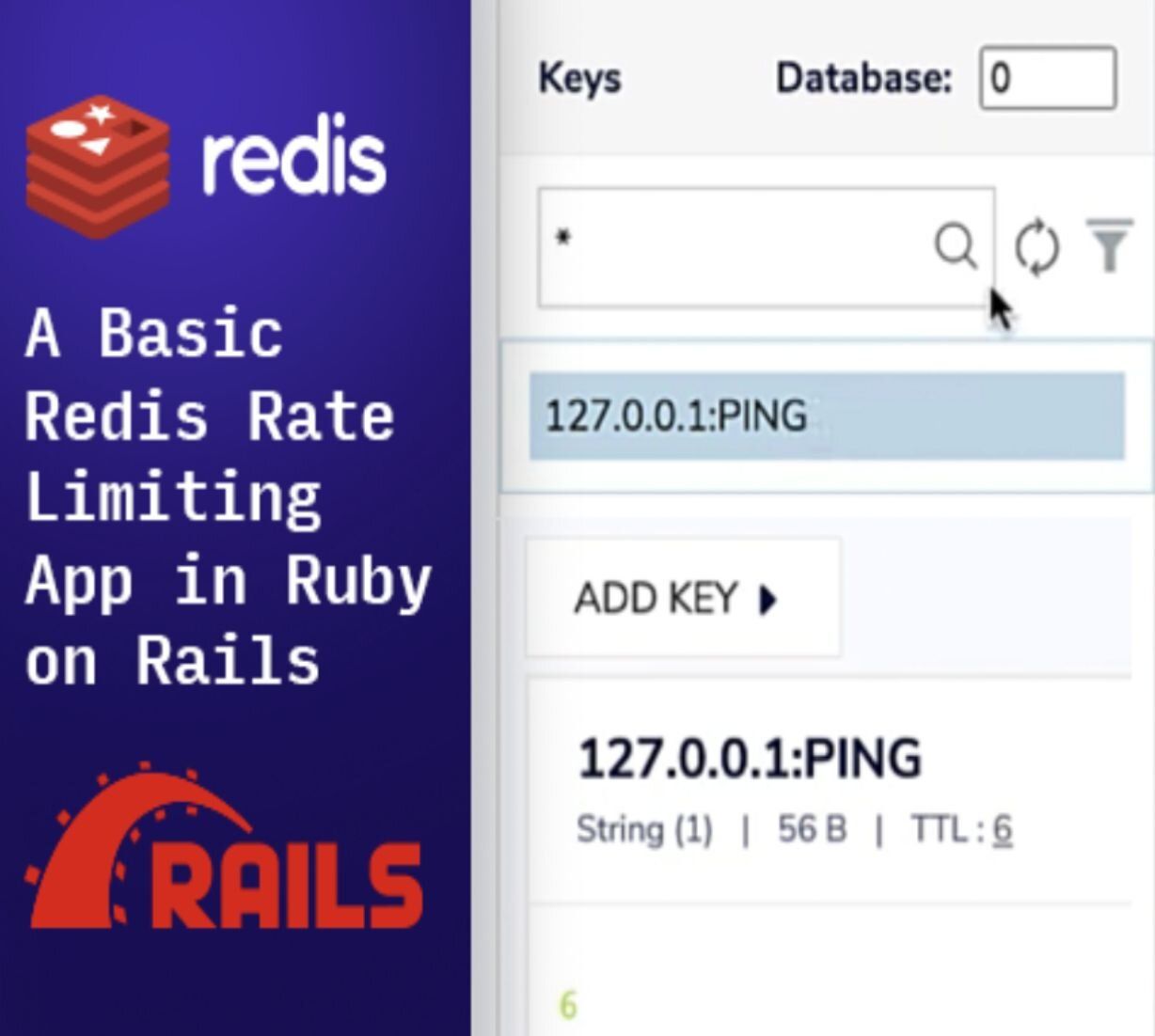
Rate-limiting app built in Ruby on Rails — demonstrates how to use Redis to throttle requests.
#Leaderboard app
Leaderboard app built in Ruby on Rails — shows how to implement sorted-set-backed rankings.
#Next steps
- Browse the redis-rb source and documentation
- Try Async::Redis for an asynchronous Ruby client with TLS support
- Follow the Redis quick-start tutorial to explore more Redis features
- Explore tutorials for other languages: Python, Node.js, Java, .NET